Adding Content
After you create your modpack, you have the following structure:
your-modpack/

|-- .ehmodpack
|   -- schema
|       |-- lock.schema.json
|       |-- packages.schema.json
|       |-- softwares.schema.json
|-- .github
|   -- workflows
|       |-- build.yml
|       |-- refresh.yml
|-- client-overrides
|   |-- options.txt
|-- .gitignore
|-- changelog.toml
|-- ehmodpack.lock.json
|-- packages.json
|-- README.md
-- softwares.json
To add content you can either do any of the following:
Searching via the command interface
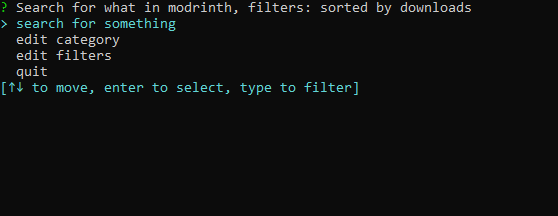
- Search for content in Modrinth with
ehmodpack browsewhich brings a selection to browse and add content to your project
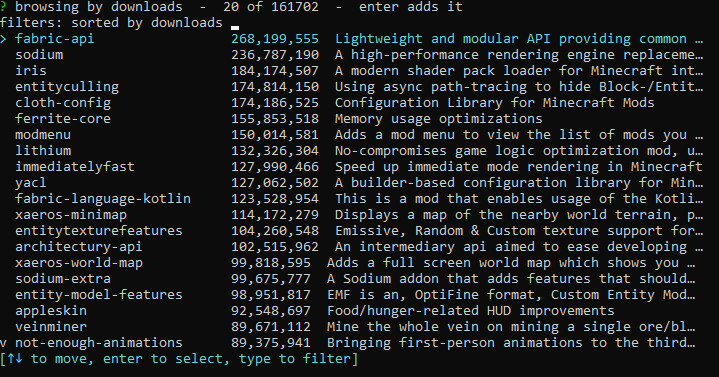
- You can search content by query or via filters and excluding or including any disclosure with
ehmodpack search
Adding it manually
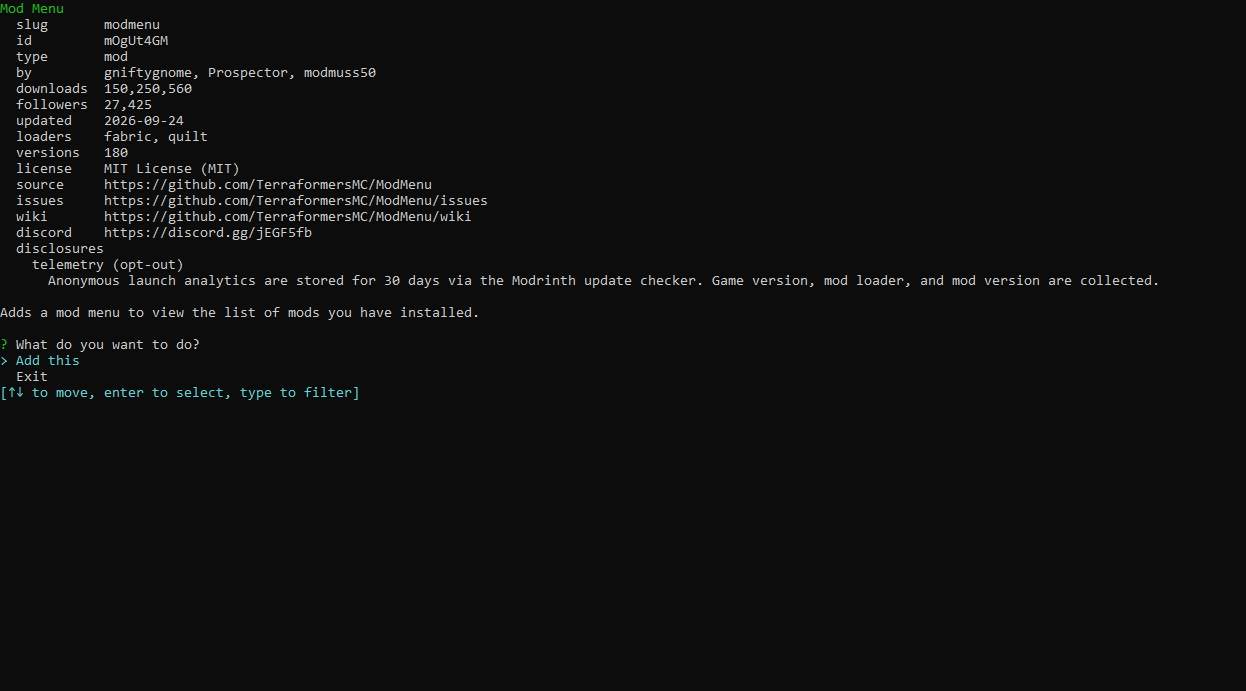
- Or if you have a slug, or want to search in the website rather than the command interface you can do
ehmodpack info <slug>for information and adding orehmodpack add <slug>to add it to your project alongside with its dependencies (if any)
Content you add will be available in the modpack when you do ehmodpack lock